You can now connect your Glo account to Strava!

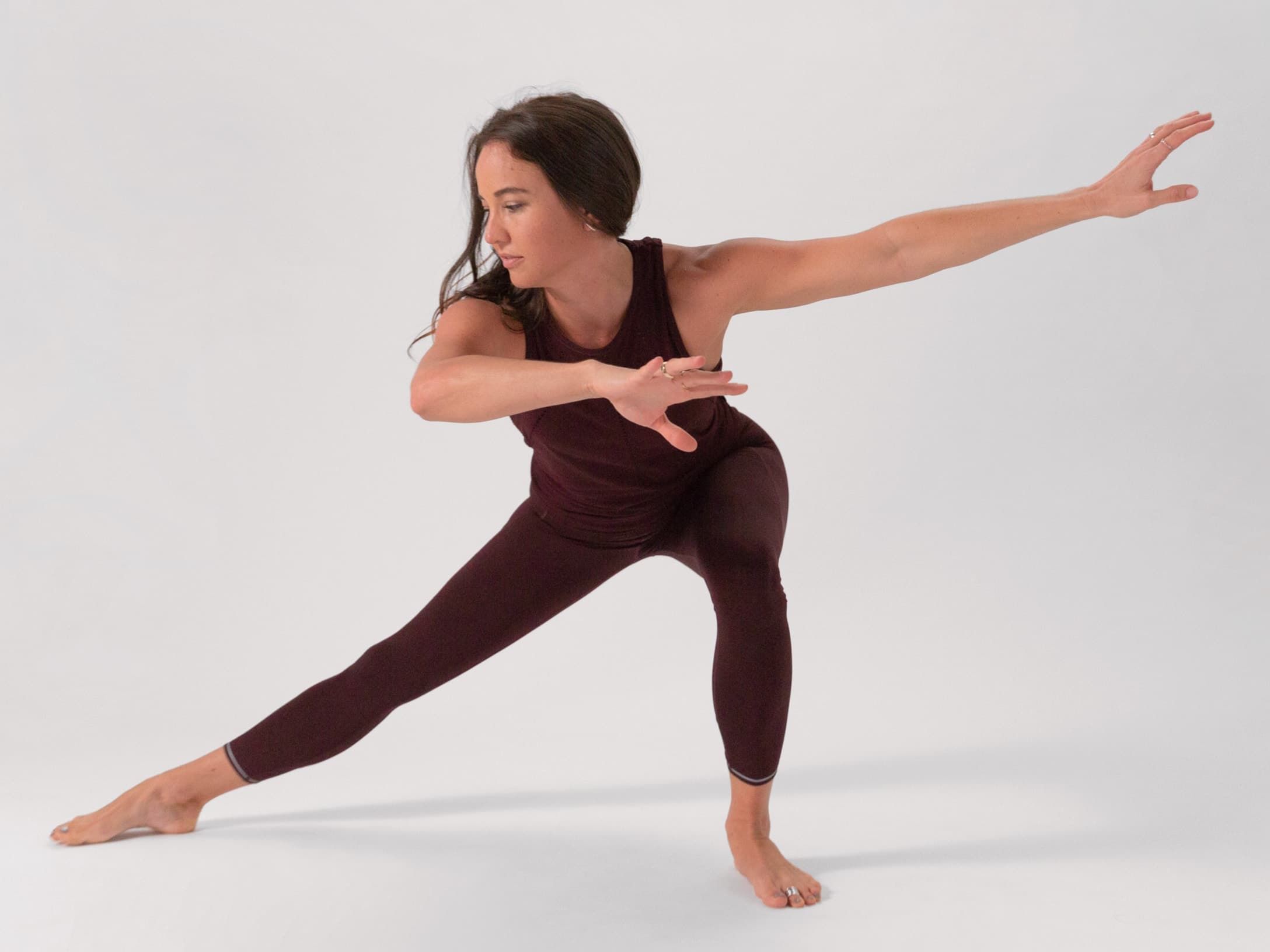
Whatever your interests or experience, we've got classes for you, all taught by world-class teachers.
 

Easy as 1, 2, 3

How to connect your Strava account on Glo:

On web

1.

Click on the settings icon in the main menu.

2.

Select 'Connect' at the top.

3.

Click on 'Connect with Strava'.

iOS app

1.

Tap on the settings icon.

2.

Then tap on 'Connect to Strava'.

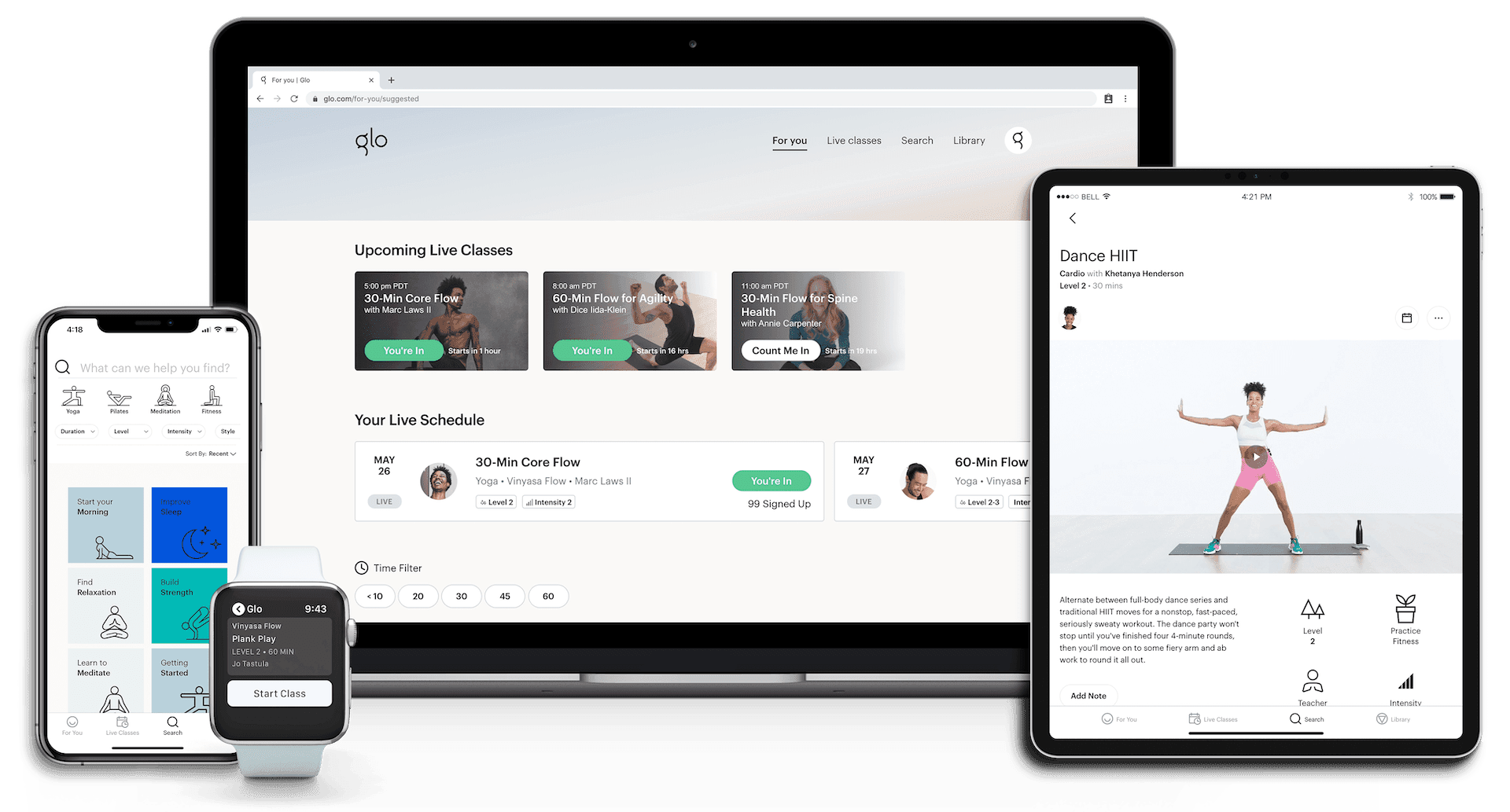
Practice wherever you want, whenever you need.

With over 8,000 classes on demand, you can experience the benefits of your practice at home or on the go, on any device. You can even download your favorite classes so they’re always available to you.